
You can also attach a file from Dropbox or Box. Anyone you share the file with can see the latest changes. See Use a storage account with Outlook.com for more information.
-
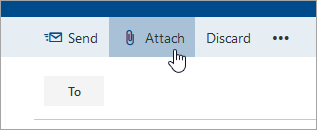
In a message or calendar event, select Attach at the top of the page.
-
Select Dropbox or Box.
-
Choose the file you want to attach and select Next.
Tip: Double-click folders to open them.
-
Select Attach as a Dropbox file or Attach as a Box file.
Comments
0 comments
Please sign in to leave a comment.